
Categories: Windows
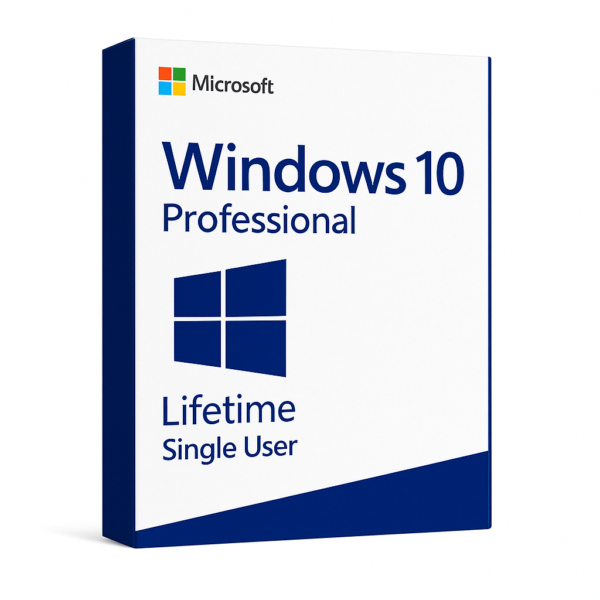
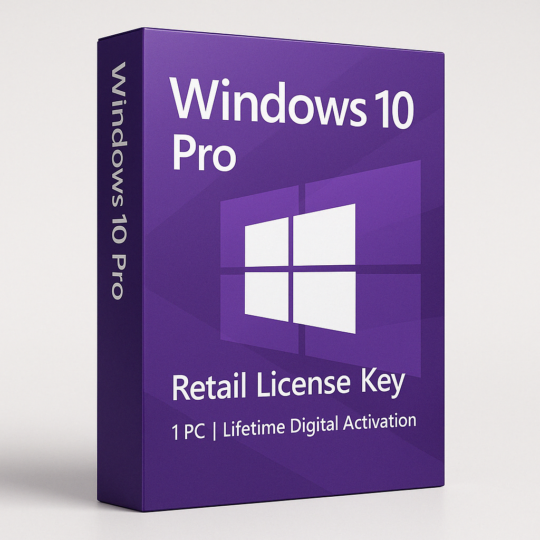
Windows 10 Pro – 1PC – Lifetime License – Single User
₹189Approximately $2 (USD)
What’s Included in Your Purchase:
-
✅ A Genuine Windows 10 Pro License Key for 1 PC
-
✅ Digital Delivery via email or dashboard within minutes
-
✅ ISO download instructions for both 32-bit and 64-bit systems
-
✅ Activation guide with step-by-step instructions
-
✅ Lifetime usage validity for the same device
-
✅ Full access to updates and services
🚀 Experience Peak Performance with Windows 10 Pro – 1PC Lifetime License
Empower your PC with Windows 10 Pro Telephonic Key, the most reliable, secure, and productivity-enhancing operating system . Designed for professionals, business users, power users, and tech enthusiasts alike, this edition of Windows 10 delivers enterprise-level features on a single PC at an unbeatable value. Whether you’re upgrading your home system, setting up a remote workstation, or configuring your office computer, this digital license ensures a seamless, hassle-free setup with long-term stability.
This product offers a genuine lifetime license for one PC. Once activated, you will receive all official updates, ensuring your device remains secure, fast, and compatible with the latest applications.
🔐 Key Features of Windows 10 Pro
1. Professional-Grade Security
Security is a core priority of Windows 10 Pro. Whether you’re protecting personal files or managing business data, you can rely on robust in-built tools such as:
-
BitLocker: Encrypt your entire drive and protect your files from unauthorized access.
-
Windows Defender Antivirus: Real-time protection against malware, viruses, ransomware, and other cyber threats.
-
Firewall & Network Protection: Built-in firewall to control app access and monitor suspicious activity.
-
Secure Boot: Prevents malware and rootkits from loading during startup.
2. Advanced Productivity Features
Windows 10 Pro enhances productivity with features tailored to professionals:
-
Remote Desktop: Access your PC from anywhere, work remotely with full system control.
-
Hyper-V: Built-in virtualization tool to run multiple OS instances on a single machine.
-
Edge: Enhanced performance browser built for fast and secure web usage.
-
Start Menu Enhancements: Dynamic tiles and quick access to apps, settings, and files.
-
Snap Assist & Task View: Efficiently manage multitasking with virtual desktops and window snapping.
3. Business and Enterprise Tools
Perfect for startups and growing businesses:
-
Group Policy Management: Control user access, system settings, and security policies across devices.
-
Azure Active Directory Join: Easily connect and manage devices within cloud-based or hybrid IT infrastructure.
-
Assigned Access: Lock down user access to specific apps for kiosk mode or task-specific setups.
-
Windows Store for Business: Download and distribute business apps to employees effortlessly.
4. Seamless Compatibility & Flexibility
-
Supports both 32-bit and 64-bit architectures, ensuring compatibility across old and modern devices.
-
Works with all major brands: Dell, HP, Lenovo, Acer, Asus, and custom-built systems.
-
Easily integrates with essential productivity suites like Office, Adobe Creative Cloud, AutoCAD, and more.
🖥️ Minimum System Requirements:
To install and run Windows 10 Pro smoothly, your PC should meet the following minimum specs:
-
Processor: 1 GHz or faster
-
RAM: 1 GB for 32-bit / 2 GB for 64-bit
-
Hard Disk Space: 16 GB for 32-bit / 20 GB for 64-bit
-
Graphics: DirectX 9 or later with WDDM 1.0 driver
-
Display: Minimum 800 x 600 resolution
-
Internet Connection: Required for downloading ISO and future system updates
🛠️ Installation & Activation Guide:
-
Download the official Windows 10 ISO file from the Microsoft website or use the Media Creation Tool.
-
Create a bootable USB drive or mount the ISO for installation.
-
Install Windows 10 Pro on your PC (you can do a clean install or upgrade).
-
After installation, go to:
-
Settings>Update & Security>Activation -
Click on “Change Product Key”
-
Enter the provided license key.
-
-
Once verified, your Windows 10 Pro will be activated for lifetime use.
No additional software or third-party tools required—this is a direct, secure activation method using Microsoft’s own platform.
📊 Ideal For:
-
💼 Business owners needing remote desktop access, group policy, and encryption
-
👨💻 Developers and IT pros using Hyper-V and enterprise integration tools
-
🧑🎓 Students working on coding, design, and research tools
-
🏡 Home users who need enhanced control and features beyond Windows 10 Home
📈 Benefits of Choosing Windows 10 Pro Over Windows 10 Home
| Feature | Windows 10 Home | Windows 10 Pro |
|---|---|---|
| BitLocker | ❌ | ✅ |
| Remote Desktop | ❌ | ✅ |
| Group Policy | ❌ | ✅ |
| Hyper-V | ❌ | ✅ |
| Domain Join | ❌ | ✅ |
| Assigned Access | ❌ | ✅ |
| Enterprise Data Protection | ❌ | ✅ |
If you’re serious about security, productivity, and control, upgrading to Pro is the obvious choice.
🔄 Upgrade Friendly
Already using Windows 7, 8, or 10 Home? You can directly upgrade to Windows 10 Pro using this license without reinstalling Windows. Simply enter the key under “Change Product Key,” and your edition will update to Pro instantly—no data loss or formatting needed.
✅ Why Buy This Product?
-
✔️ Original & Legitimate License
-
✔️ Instant Digital Delivery
-
✔️ Lifetime Validity – One-time purchase
-
✔️ Works globally on all PCs
-
✔️ Supports all updates and patches
-
✔️ Professional-grade OS at affordable cost
-
✔️ Step-by-step activation support included
📌 Frequently Asked Questions (FAQs):
Q1. Is this a subscription or one-time purchase?
👉 It’s a one-time purchase with lifetime validity on one device.
Q2. Will I receive a physical product?
👉 No. This is a digital delivery product. You’ll receive the key and instructions via email or dashboard.
Q3. Can I reinstall Windows using this key?
👉 Yes. As long as the hardware remains the same, you can format and reinstall Windows without losing your license.
Q4. Are updates included?
👉 Yes. You’ll receive all Microsoft security updates and feature updates.
Q5. Can I use this key on multiple PCs?
👉 No. This license is valid for 1 PC only.
There are no reviews yet.
Recently Viewed
Quick View
Wishlist
Compare
Quick View
Wishlist
Compare
Quick View
Wishlist
Compare
Quick View
Wishlist
Compare
Quick View
Wishlist
Compare